
Open Snapchat, tap into your Chat screen, and you will probably notice a small green dot sitting beside some of your friends’ names and Bitmojis. That tiny dot is one of the most searched-about symbols on the app, and it is exactly what people mean when they look up “green dot” activity indicators online. In short, the green dot on a Snapchat profile is an activity indicator: it tells you that the person is using Snapchat right now, or was active on the app very recently.
That sounds simple, but the dot causes a surprising amount of confusion. Users wonder whether it means someone is watching their profile, chatting with them specifically, or sharing their location. None of those things are true, yet the myths keep spreading because Snapchat does not explain the symbol inside the app itself.
In this guide, we will break down exactly what the green dot on Snapchat profiles means, where it appears, how long it can stay visible after someone closes the app, and how you can turn off your own activity indicator if you would rather browse quietly. We will also compare it with the online dots on WhatsApp, Instagram, and TikTok so you can read each app’s signals correctly.
Whether you are a new Snapchat user or a parent trying to understand the app, this simple explanation will clear up everything about that little green circle.
1. Meaning and Definition of the Green Dot on Snapchat
The basic definition
The green dot on Snapchat is an activity indicator. When it appears next to a friend’s name or Bitmoji, it means that friend is currently active on Snapchat or has been active within a very recent window of time. It is Snapchat’s way of showing presence, similar to the “online” label on other messaging apps.
Where the green dot appears
You can spot the green dot in several places around the app. It shows up on the Chat screen beside conversations, in your friends list, on the “Add Friends” and Quick Add screens next to suggested people, and in some places where a user’s profile preview is displayed. Wherever it appears, it carries the same meaning: this person is around and using the app.
What the green dot does not mean
The green dot does not mean the person is talking to you, looking at your profile, watching your story, or standing in a particular location. It is not connected to Snap Map, and it does not reveal what the person is doing inside the app. It only signals general activity, nothing more specific than that.
2. Background and Origin of the Green Dot
Presence indicators are older than smartphones
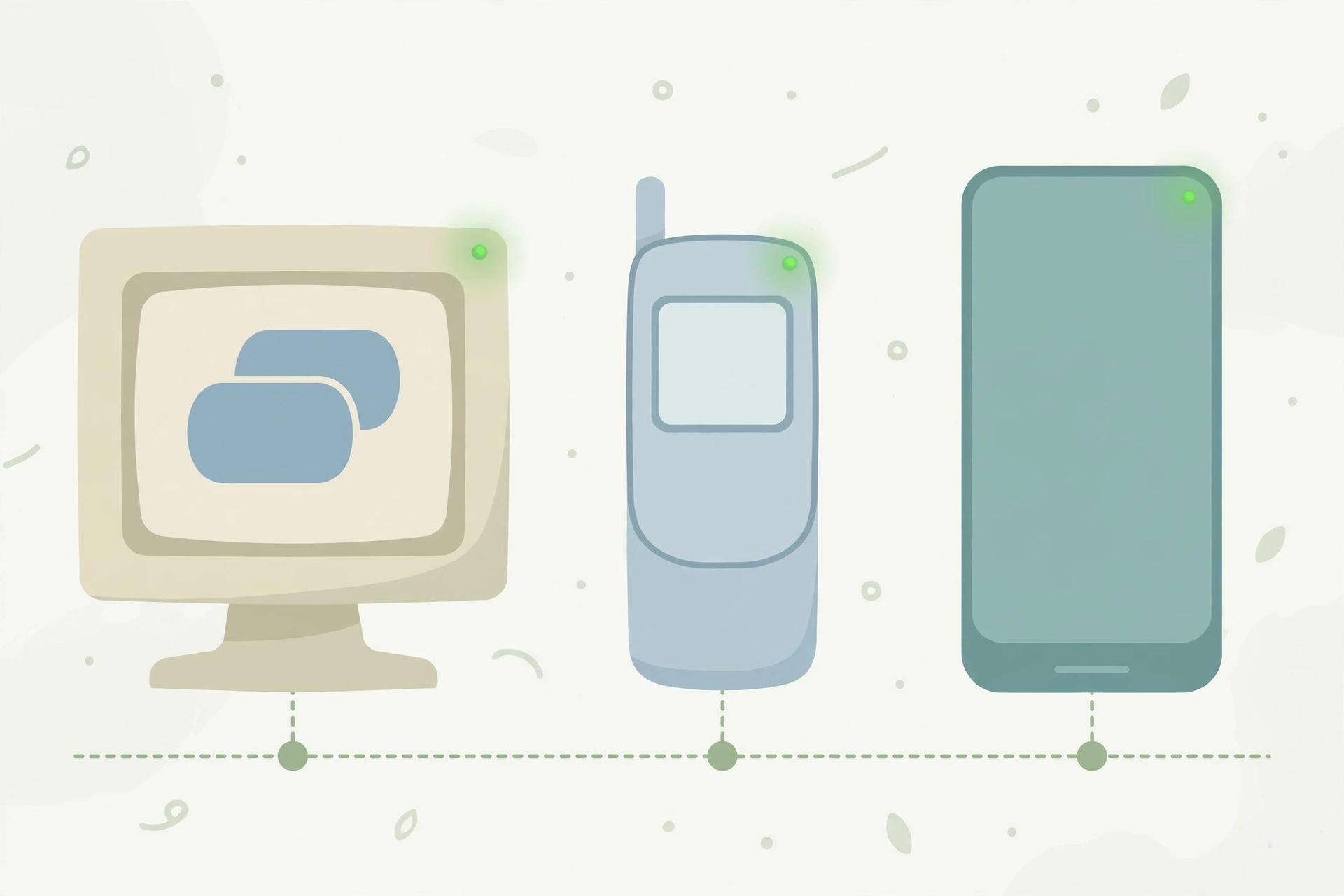
The idea of a coloured dot showing who is “online” goes back to the early days of instant messaging. Programs like ICQ, AIM, and MSN Messenger used green, yellow, and red status dots in the 1990s and 2000s to show whether a contact was available, away, or busy. Green became the universal colour for “here and reachable” across the internet.
Snapchat adopts the convention
Snapchat launched in 2011 without much in the way of presence signals; the app was built around disappearing messages, not around showing who was around. Over the years, though, Snapchat added more social-discovery features such as Quick Add, friend suggestions, and richer profile pages. With those features came the need for a simple availability signal, and Snapchat adopted the familiar green dot.
Why the dot matters more on Snapchat
Because Snapchat messages disappear and streaks depend on daily interaction, knowing whether a friend is active right now genuinely changes how people use the app. A green dot can be the difference between starting a conversation that flows in real time and sending a snap into the void for hours.
3. Usage of the Green Dot in Different Contexts
Starting a real-time conversation
The most common use is timing. If you see the green dot beside a friend’s name, it is a good moment to send a message or a snap, because the chances of a quick reply are high. Many users treat the dot like a soft invitation: the person is on their phone, inside this app, right now.
Checking on streaks and snaps
Users who maintain snap streaks glance at the green dot to judge whether a friend will return a snap before the streak timer runs out. If the dot is showing, a reminder message is likely to be seen quickly; if not, the friend may simply be away from their phone.
Friend suggestions and Quick Add
On the Add Friends screen, the green dot beside a suggested person means that person is active on Snapchat. Some users prefer adding people who are visibly active because it suggests the account is real, current, and likely to respond or add back.
4. What Does the Green Dot Mean on WhatsApp, Instagram, and TikTok?
WhatsApp does not use a green dot in chats; instead it shows the word “online” under a contact’s name when they have the app open, plus “last seen” timestamps when they do not. The meaning is stricter than Snapchat’s dot: “online” on WhatsApp means the app is open on their screen at that moment.
Instagram uses a green dot in Direct Messages and beside profile pictures in some surfaces. Like Snapchat’s, Instagram’s dot means the person is active now or was active very recently. Instagram also shows text such as “Active 25m ago,” which gives more detail than Snapchat’s simple dot. You can hide your own activity status in Instagram’s settings, and doing so also hides other people’s dots from you.
Tiktok
TikTok shows a green dot on a user’s profile picture in your inbox and following surfaces when that person is currently active on the app. TikTok even lets friends see each other’s activity status if both have the feature enabled. In all three apps, the green dot carries the same core message as on Snapchat: this person is around right now.

5. Does the Green Dot Have a Meaning in Physics, Medicine, or Aircraft Terminology?
The honest answer
No. The green dot on Snapchat is purely a social media interface symbol. It has no standard meaning in physics, medicine, or aircraft terminology, and no textbook in those fields defines a Snapchat-style “green dot.”
Where similar dots genuinely appear
To be fair, green indicator lights do exist in the real world. Aircraft cockpits use green lights to signal that systems such as landing gear are safely deployed, medical devices use green lights to show normal operation, and laboratories use green markers in imaging. Those are hardware status lights with their own technical manuals; they have nothing to do with the dot beside your friend’s Bitmoji.
Why people ask
The question usually comes from students who meet the term in one context and wonder if it is a technical term in another. It is not: in the world of apps, it simply means “online,” and in the world of machinery, green lights mean “normal” — two separate conventions that share only a colour.
6. Common Misconceptions About the Green Dot
“The green dot means they are looking at my profile”
This is the biggest myth. The green dot appears for general app activity. A friend can trigger it by opening Snapchat to watch stories, check the map, or reply to someone else entirely. It never tells you who they are interacting with.
“The green dot means they are chatting with me”
Also false. The dot is not conversation-specific. Even if it appears beside your chat thread, it only means the person is active somewhere in the app, not that they are typing to you. Snapchat shows a separate typing indicator and a Bitmoji in the chat when someone is actually present in your conversation.
“If the dot is gone, they blocked me”
Not necessarily. The person may have the Activity Indicator setting turned off, which hides their dot from everyone. They may also simply not have opened the app recently. A missing dot is weak evidence of anything at all.
“The dot shows their exact location”
The green dot carries no location information. Location on Snapchat comes only from Snap Map, which is a separate feature with its own privacy settings.
7. Similar Terms and Alternatives to the Green Dot
Related presence signals
Several other signals do similar jobs across social apps. The table below compares the most common ones.
| Term | Full form or meaning | Typical use |
|---|---|---|
| Green dot | Activity indicator showing a user is online or recently active | Snapchat, Instagram, TikTok profiles and chat lists |
| Online status | The word “online” shown under a contact’s name | WhatsApp chat header while the app is open |
| Last seen | A timestamp of a user’s most recent activity | WhatsApp and Telegram when a user is offline |
| Active now | Text label confirming a user is currently using the app | Facebook Messenger and Instagram activity lists |
| Typing indicator | Animated dots showing someone is writing a reply | Inside an open conversation on most messaging apps |
| Ghost mode | Snap Map setting that hides your location from friends | Snapchat privacy controls for location sharing |
Alternatives in everyday speech
In conversation, people rarely say “green dot.” They say things like “she’s online,” “he’s active right now,” or “they were just on.” The dot is a visual shortcut for all of those phrases.
8. How to Respond When You See a Green Dot Next to Someone’s Name
If you wanted to talk anyway
Treat the dot as a green light for timing, not as a message in itself. Send your snap or message normally and keep it natural. There is no need to mention the dot; saying “I saw you were online” can feel like surveillance even when you mean it casually.
If the dot appears at odd hours
A green dot at 3 a.m. does not demand a response or an explanation. People scroll apps at all hours, and the dot can also linger briefly after someone closes the app. Avoid reading late-night dots as invitations or as evidence of anything dramatic.
If you want privacy for yourself
If you would rather nobody times their messages around your activity, turn off your own indicator: open Snapchat, go to your profile, tap the gear icon for Settings, scroll to Privacy Controls, and switch off “Activity Indicator.” Remember that when yours is off, your dot disappears for everyone — but the app may still show friends’ activity to you in some surfaces.
9. Green Dot vs Similar Indicators: Key Differences
Green dot vs “online” text
The green dot is a broad signal: active now or active very recently. The word “online,” as used by WhatsApp, is narrower: the app is open at this second. This is why a Snapchat dot can sometimes outlive the moment a friend actually closed the app, while WhatsApp’s “online” vanishes almost immediately.
Green dot vs Snap Map
The green dot and Snap Map answer different questions. The dot answers “is this person using Snapchat?” Snap Map answers “where is this person?” — and only if they have chosen to share their location with you. Confusing the two is the source of many unnecessary arguments.
Green dot vs read receipts
A read receipt — the opened arrow or “Opened” label on Snapchat — tells you a specific snap or chat was viewed. The green dot tells you nothing about any specific message. If you want to know whether your snap landed, check its status icon, not the dot.
10. Relevance of the Green Dot in Online Conversations and Dating Apps
Timing and expectations
Presence indicators quietly shape modern conversation etiquette. When a green dot is showing, senders expect faster replies, and receivers can feel pressure to respond immediately. Understanding that the dot is an approximate signal — not a live feed of someone’s attention — keeps those expectations healthy.
Dating app parallels
Many dating apps borrow the same idea. Tinder, Bumble, and Hinge have all experimented with “recently active” badges or green-dot-style markers on profiles. The psychology is identical: a presence signal makes a profile feel reachable and a conversation feel worth starting. Snapchat’s dot works on friends in exactly the same way.
Healthy interpretation
The healthiest way to read any green dot, on any app, is as a rough hint rather than evidence. It cannot tell you who someone is talking to, what they are looking at, or how they feel about you. It only says their app was open. Everything beyond that is guesswork.
11. Conclusion
The green dot on Snapchat profiles is an activity indicator: it means the person is using Snapchat now or was active very recently. It appears beside names and Bitmojis in chats, friend lists, and friend suggestions, and it belongs to a long internet tradition of green “online” signals that stretches back to the earliest instant messengers.
It does not mean someone is viewing your profile, chatting with you specifically, or sharing their location, and it has no technical meaning in physics, medicine, or aviation. If the dot makes you feel watched, you can switch off your own Activity Indicator in Snapchat’s privacy settings in under a minute.
Read the dot for what it is — a handy timing hint — and your Snapchat conversations will be a lot less stressful.
